 By John Arthur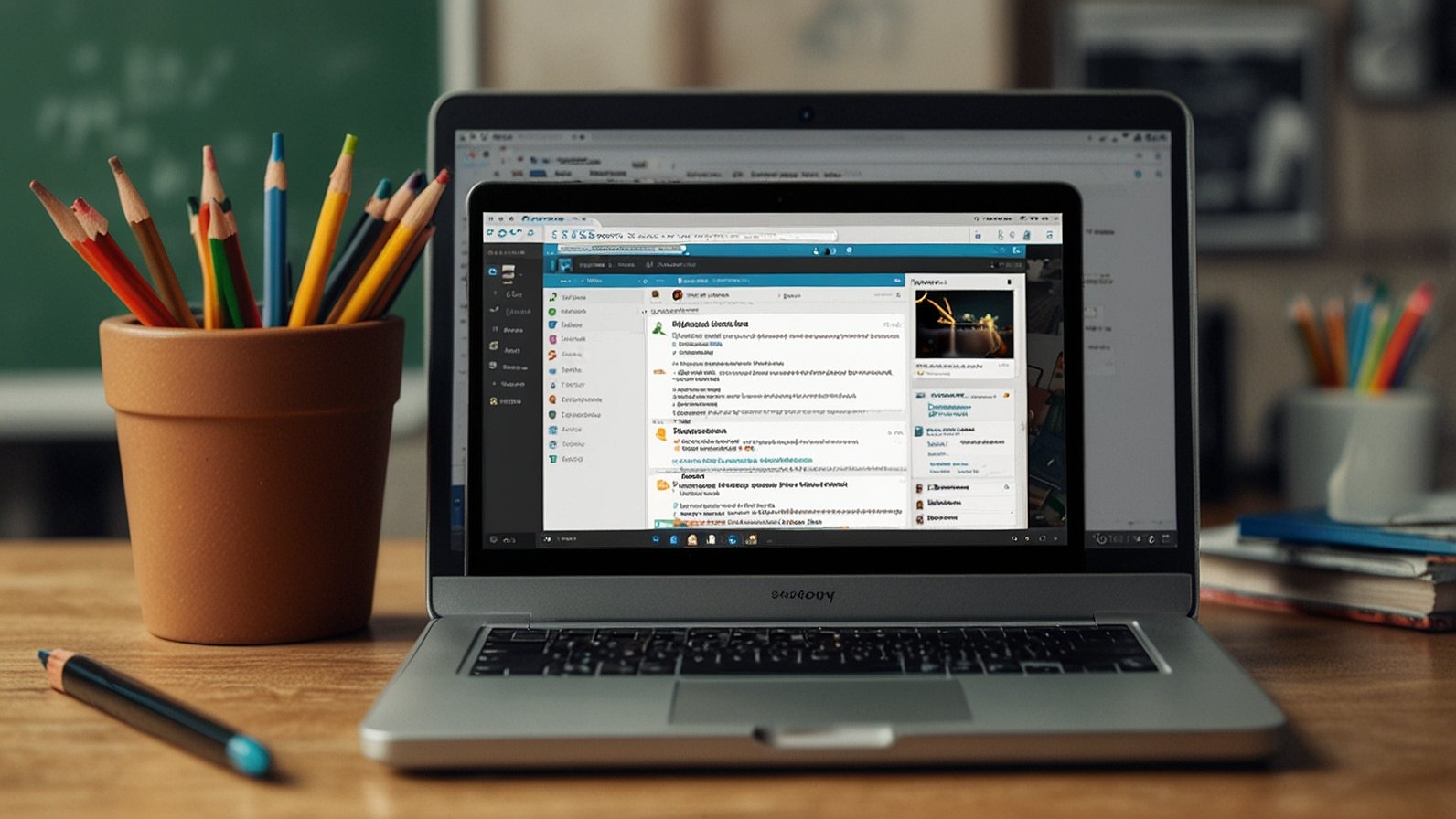
Imagine a school where every student, teacher, and parent logs into the same digital platform, yet each person’s experience feels uniquely crafted for their needs. The homepage greets students with their specific class deadlines, teachers see district-wide professional development alerts, and parents get translated announcements in their preferred language. This isn’t a distant dream of educational tech—it’s the reality made possible by implementations often called Schoology Alfa. But what exactly is it, and how does it transform a standard tool into the heartbeat of a learning community? Let’s pull back the curtain.
Understanding the “Alfa” in Schoology
Think of Schoology as a powerful, off-the-shelf smartphone. It has incredible built-in features: a camera, messaging, apps, and settings. Now, imagine a school district or university buying thousands of these phones and, before handing them out, customizing them deeply. They pre-install specific academic apps, set up a branded login screen with the school mascot, configure strict privacy settings for students, and create special folders for resources. This customized deployment is what “Schoology Alfa” typically represents.
It is not a new product sold by Schoology (now part of PowerSchool). Instead, it’s a site-specific or vendor-styled name for a highly tailored instance of the Schoology Learning Management System (LMS). Organizations use these custom names for internal branding, making the platform feel like a native part of their ecosystem rather than a generic third-party service.
Why Organizations Choose a Custom Portal
Why go through the effort of creating a bespoke portal instead of using the standard version? The benefits are profound and directly address the daily friction points in education.
Creating a Single Source of Truth. Before unified portals, teachers might update grades in one system, post assignments on a personal website, and send emails for announcements. Students and parents were left juggling multiple logins and websites. A custom Schoology Alfa portal consolidates everything. It becomes the digital hub for:
- Course materials and syllabi
- Assignment submission and grading
- Important announcements and calendars
- School-wide and group communication
- Resource libraries and links to critical tools
Building a Cohesive Digital Community. A generic login page feels impersonal. A portal branded with school colors and imagery fosters pride and a sense of belonging. It signals that the digital space is an official, secure, and integral extension of the physical campus. This subtle branding strengthens institutional identity.
Streamlining Workflows with Enhanced Integrations. Here’s where the real magic happens. A sophisticated implementation can connect Schoology directly to the district’s Student Information System (SIS), so class rosters update automatically. It might integrate with:
- Digital textbook platforms
- Plagiarism detection software
- Special education documentation tools
- Video conferencing systems
- Local assessment databases
For example, a district like “Springfield Public Schools” could launch their portal, “Springfield Learning Hub (Powered by Schoology),” where a teacher can create an assignment that automatically populates in the gradebook and pushes scores back to the central SIS without ever leaving the platform.
Key Features of an Enhanced Schoology Implementation
When a deployment is elevated to a custom portal status, users often experience a more refined and powerful set of capabilities.
A Tailored User Experience. Upon login, role-based dashboards present only the relevant information. A principal sees analytics dashboards on school-wide engagement. A 10th-grade student sees a to-do list widget pulling from all their classes. A parent might have a simplified view focusing only on their child’s grades and teacher messages.
Supercharged Communication Tools. Beyond basic announcements, these portals can enable targeted communication streams. Think of automated notifications for overdue work sent in a parent’s native language, or special discussion forums for club advisors and athletic teams that are separate from academic courses.
Centralized Resource Management. Districts can create “Resource Collections” that are instantly available to all teachers. This could be a bank of aligned curriculum materials, approved video content, or templates for lesson plans. It ensures consistency and saves teachers hours of searching.
Robust Data and Reporting. Custom implementations often come with advanced analytics. Administrators can generate reports on platform usage, identify courses with high or low engagement, and monitor progress toward digital learning goals. This data is crucial for informed decision-making.
3 Actionable Tips to Master Your Custom Portal Today
Whether you’re a student, teacher, or parent, you can get more from your tailored Schoology platform.
- Explore and Customize Your Dashboard. Don’t just accept the default view. Most custom portals allow you to move, add, or remove widgets. Pin your most important classes to the top, add a calendar widget for a global view of deadlines, or enable a grade overview. Taking five minutes to set this up can save you hours of clicking later.
- Master the Notification Settings. Information overload is real. Dive into the notification settings (usually under your profile menu). You can choose to get immediate alerts for new grades, daily digests for announcements, or turn off weekend emails. Controlling the flow of information reduces stress and ensures you don’t miss what’s critical.
- Utilize the Integrated Tools. Don’t use outside links if there’s a built-in pathway. If your portal has an integrated tool for submitting videos (like Flip) or running discussions, use it. Work done within the ecosystem is often tracked more easily for teachers and creates a safer, more organized environment for everyone.
The move towards custom educational portals like Schoology Alfa represents a mature step in digital learning. It’s the shift from merely using technology to thoughtfully weaving it into the unique fabric of a learning community. By understanding its purpose and leveraging its tailored features, every member of that community can experience a more organized, connected, and effective educational journey.
What has your experience been with a customized learning portal? Did it simplify or transform your workflow? Share your thoughts below!
You May Also Like: Gimkit Host: How Teachers Can Set Up, Run & Master Live Games (Step-by-Step Guide)
FAQs
Q: Is Schoology Alfa a different product from Schoology?
A: No, it is not a separately published product. It is a custom-configured and often rebranded instance of the core Schoology LMS, tailored specifically for a particular school, district, or organization.
Q: As a parent, how do I get login credentials for my child’s portal?
A: Login credentials are always provided by your child’s school or district. They typically send setup instructions via email or a physical letter. If you haven’t received them, contact the school’s main office or IT help desk directly.
Q: Can I access the portal on my mobile phone?
A: Absolutely. Most custom Schoology portals are fully accessible through the official Schoology mobile app, available on iOS and Android. You simply log in with the same credentials provided by your school.
Q: Are there extra costs for a school to have a custom portal like this?
A: The customization and enhanced implementation typically involve additional services beyond a standard LMS license. Costs are handled at the district or organizational level and are not passed directly to students, teachers, or parents.
Q: How is my data privacy protected in a custom portal?
A: These portals often provide enhanced data governance. Because the organization has more control over configuration, they can enforce stricter privacy settings and ensure data (like grades and communications) flows only between integrated, vetted systems in compliance with laws like FERPA.
Q: What should I do if a feature isn’t working or I’m having technical issues?
A: Always contact your school or district’s IT support team first. They manage the specific configuration and are best equipped to solve issues related to your custom portal. Avoid contacting the general Schoology support line.
Q: Will my experience look the same as a friend’s in a different school district?
A: Probably not. That’s the point of a custom portal! While the underlying structure will be similar, the branding, available tools, dashboard layout, and even some features may differ based on what your specific institution has chosen to enable and emphasize.